Network Remote ID
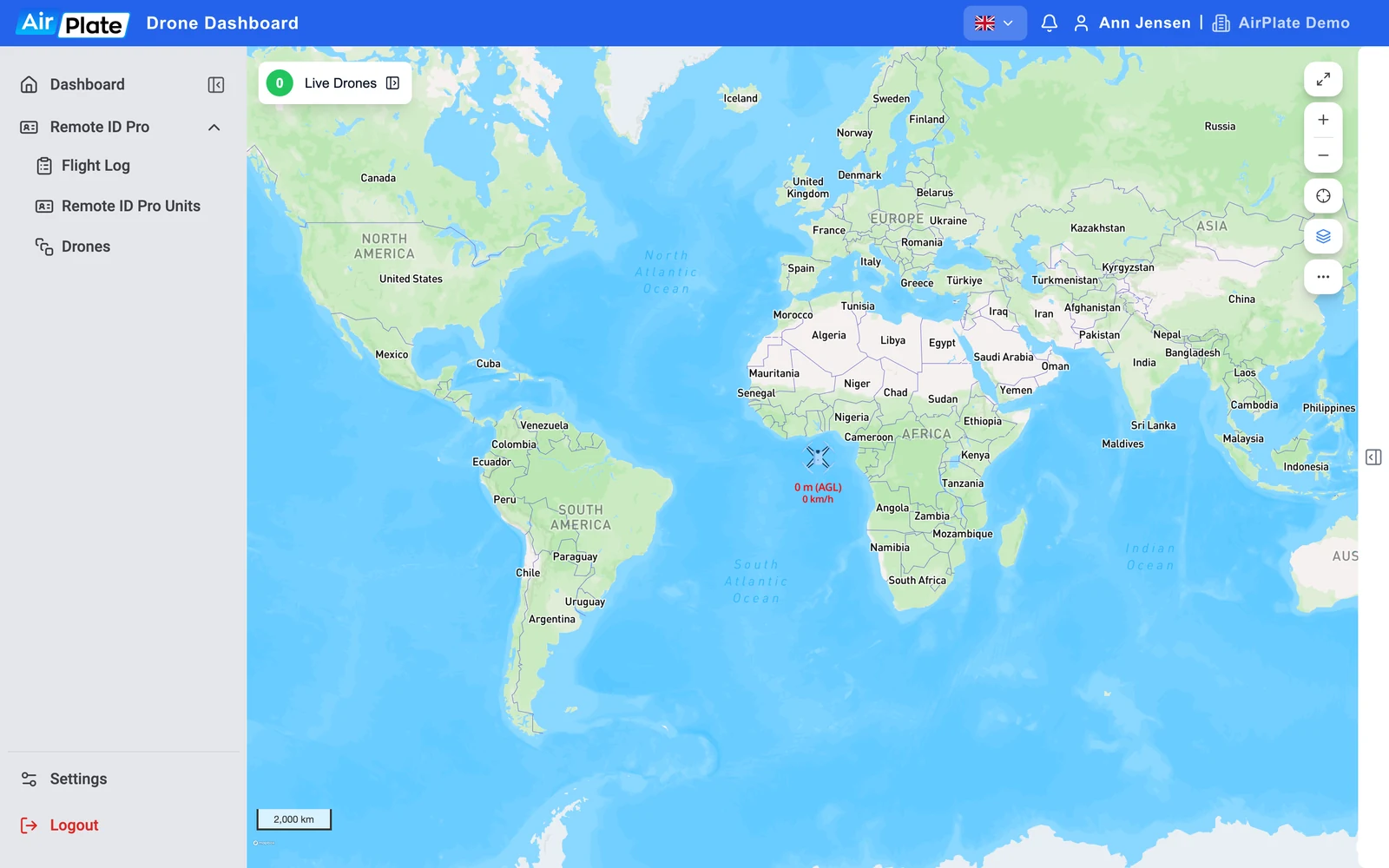
The Network Remote Identification can be viewed and tracked in real-time in the AirPlate app: log in at app.airplate.dk, and your Remote ID Pro units appear on the dashboard map, as shown in the screenshot below. You see the units of your own organization. The Remote ID Pro comes with an international SIM card, with coverage in these countries: AR, AT, AU, BE, CA, CH, DE, DK, EE, ES, FI, FR, HU, IR, JP, KR, LU, LV, MX, NL, NO, NZ, PL, RO, SE, TW, UK, US.
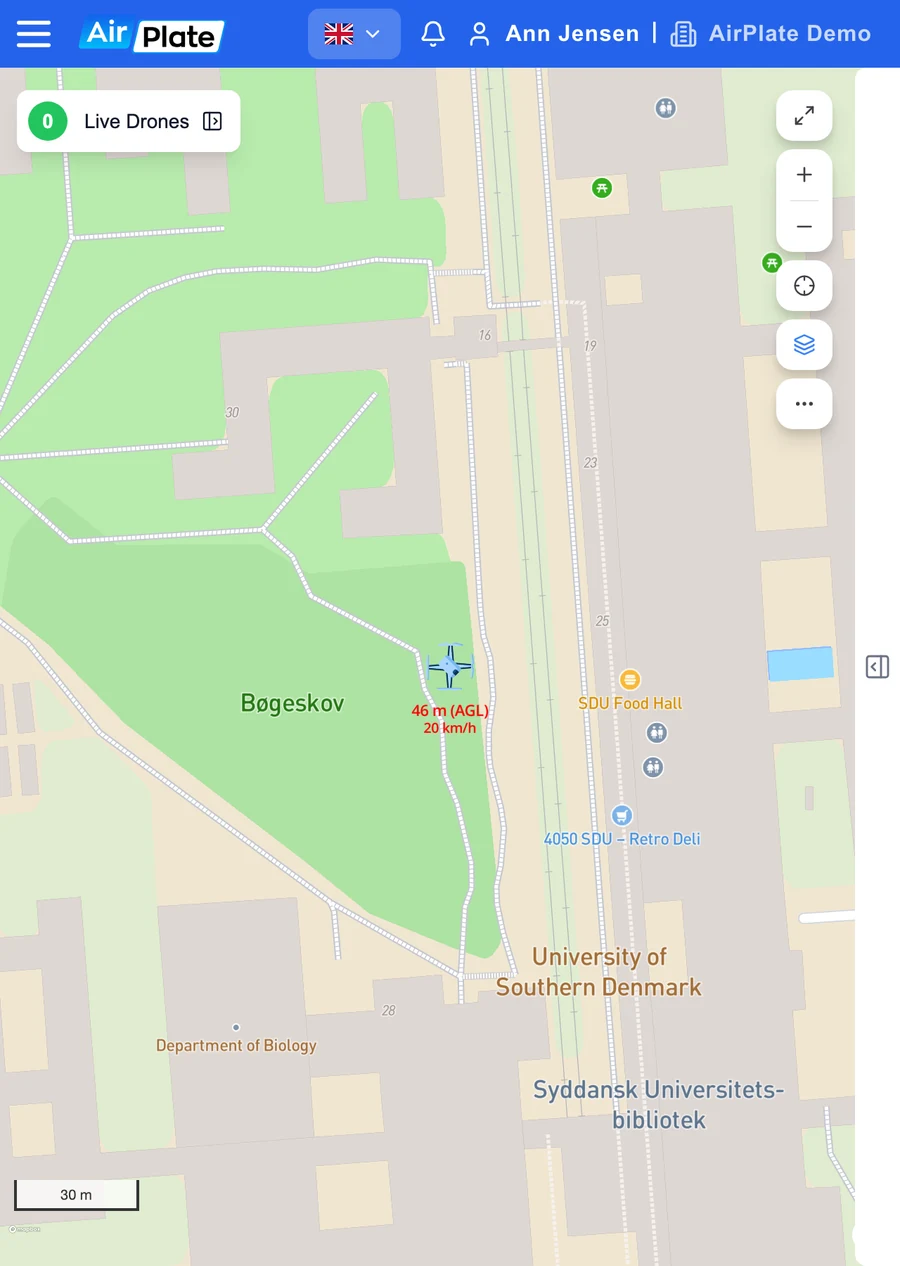
The drone shown is the Remote ID Pro transmitting Network Remote Identification, with its height above ground (AGL) and its speed. With the layers button on the right of the map you can show flight zones and NOTAMs with restrictions for geo-awareness.
Zero island
Section titled “Zero island”If the device is turned on and flashing blue and it can’t be seen on the map, it is most likely located at “zero-island” (latitude 0, longitude 0, off the coast of Africa) due to no location fix, as seen in the picture below. You should wait until the location is acquired.